


Description
Download VD Video Trimmer Cutter APK – Video Trimming, Mobile Editing, Social Media, Video Cutting Tool
Overview
VD Video Trimmer & Cutter is a mobile application designed to simplify the process of editing videos directly on smartphones. The primary purpose of the software is to allow users to trim and cut video clips quickly, making them suitable for sharing on social media platforms such as Instagram, TikTok, YouTube Shorts, Facebook, Twitter, and WhatsApp. It addresses the common challenge of lengthy video content that doesn’t meet platform-specific length requirements. The app is ideal for casual users, content creators, and individuals who need to edit short clips on the go without relying on complex desktop software.
Real-world usage scenarios include preparing highlight reels from longer recordings, extracting key moments from events, or shortening videos before posting online. The application streamlines the editing workflow by enabling users to select a video, preview it, set start and end points, and finalize the trimmed version in just a few taps. Once editing is complete, the output file is saved locally and can be shared instantly via integrated platforms. The developer did not provide additional information about the company or background.
Key Features & Capabilities
- Video Trimming Tool – Allows users to select any video file and define custom start and end points to cut out unwanted sections.
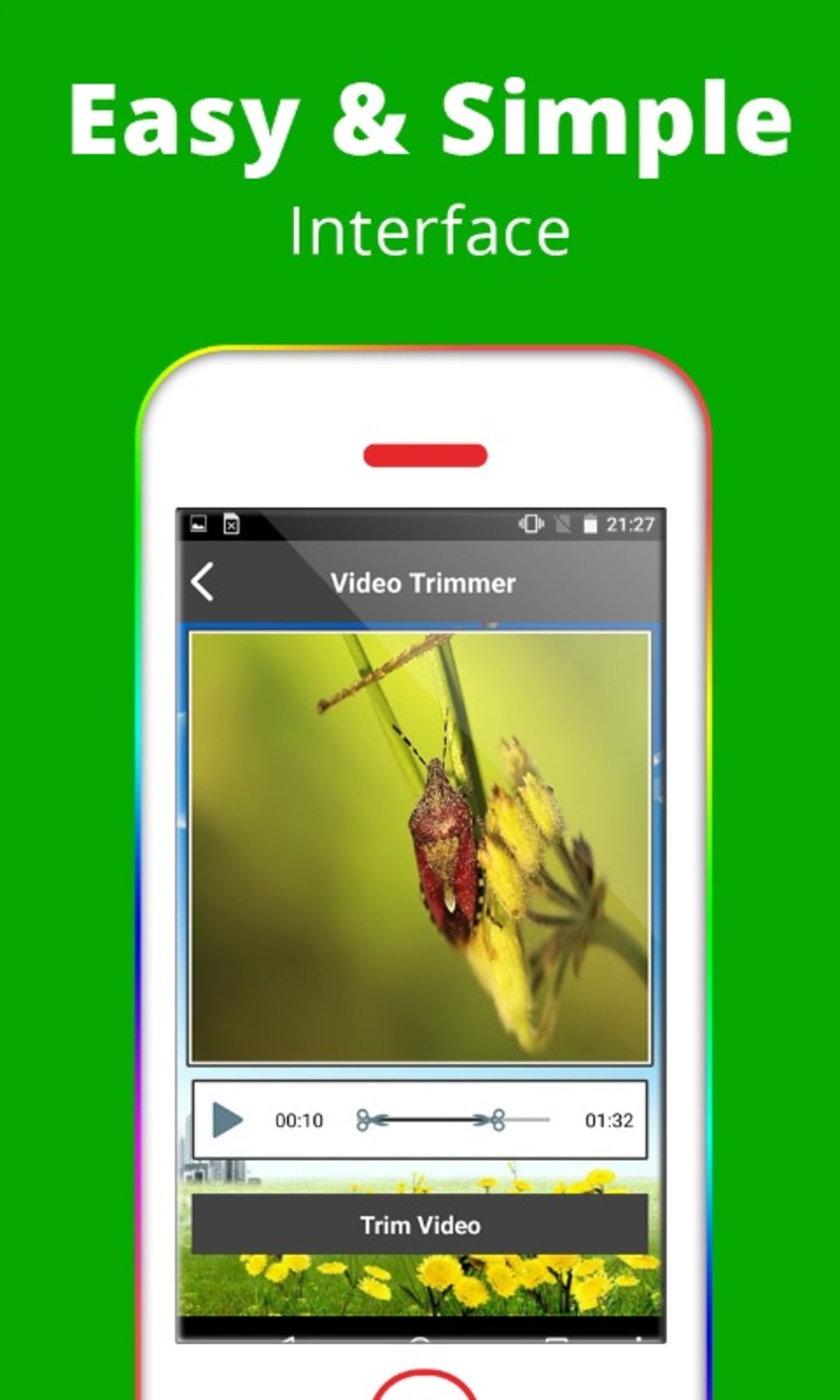
- Real-Time Playback Preview – Enables users to play the video within the app to accurately identify the desired trimming points.
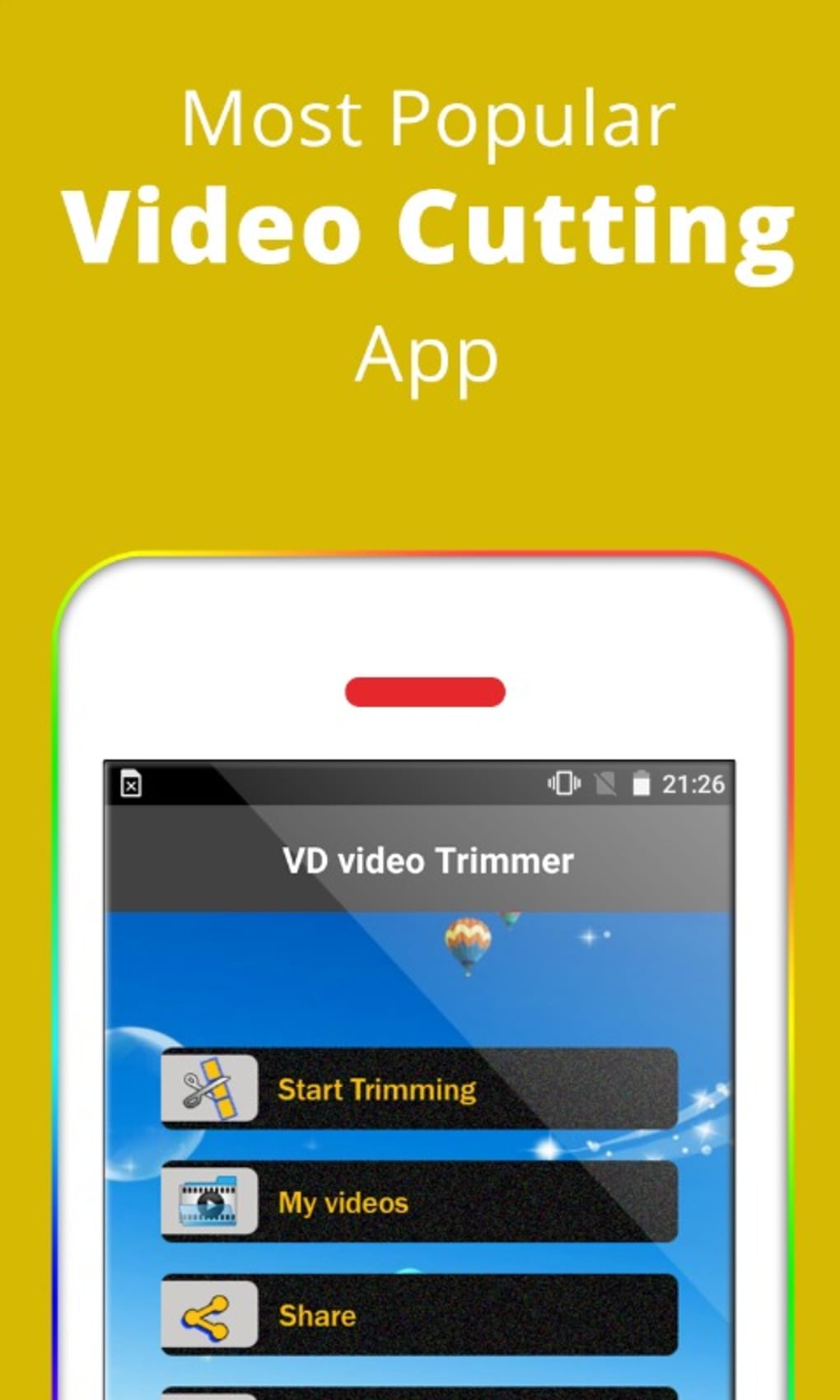
- Simple Workflow – The process begins with “Start Trimming,” followed by video selection, timestamp adjustment, and finalization with a single tap.
- Direct Sharing Options – Supports immediate sharing to social media platforms including Facebook, Twitter, WhatsApp, Messenger, and Google Drive.
- Local Storage Integration – Trimmed videos are saved to the device’s internal storage and appear in the “My Videos” section for easy access.
- Lightweight Design – Built to operate efficiently with minimal system resource usage, making it suitable for older or low-storage devices.
These features enable users to shorten videos for social media, preserve key moments, and share content seamlessly. For example, a user can trim a 2-minute birthday video to a 15-second highlight and send it directly to WhatsApp. The app’s simplicity ensures that even non-technical users can achieve professional-looking results without learning complex editing tools.
User Interface, Workflow & Performance
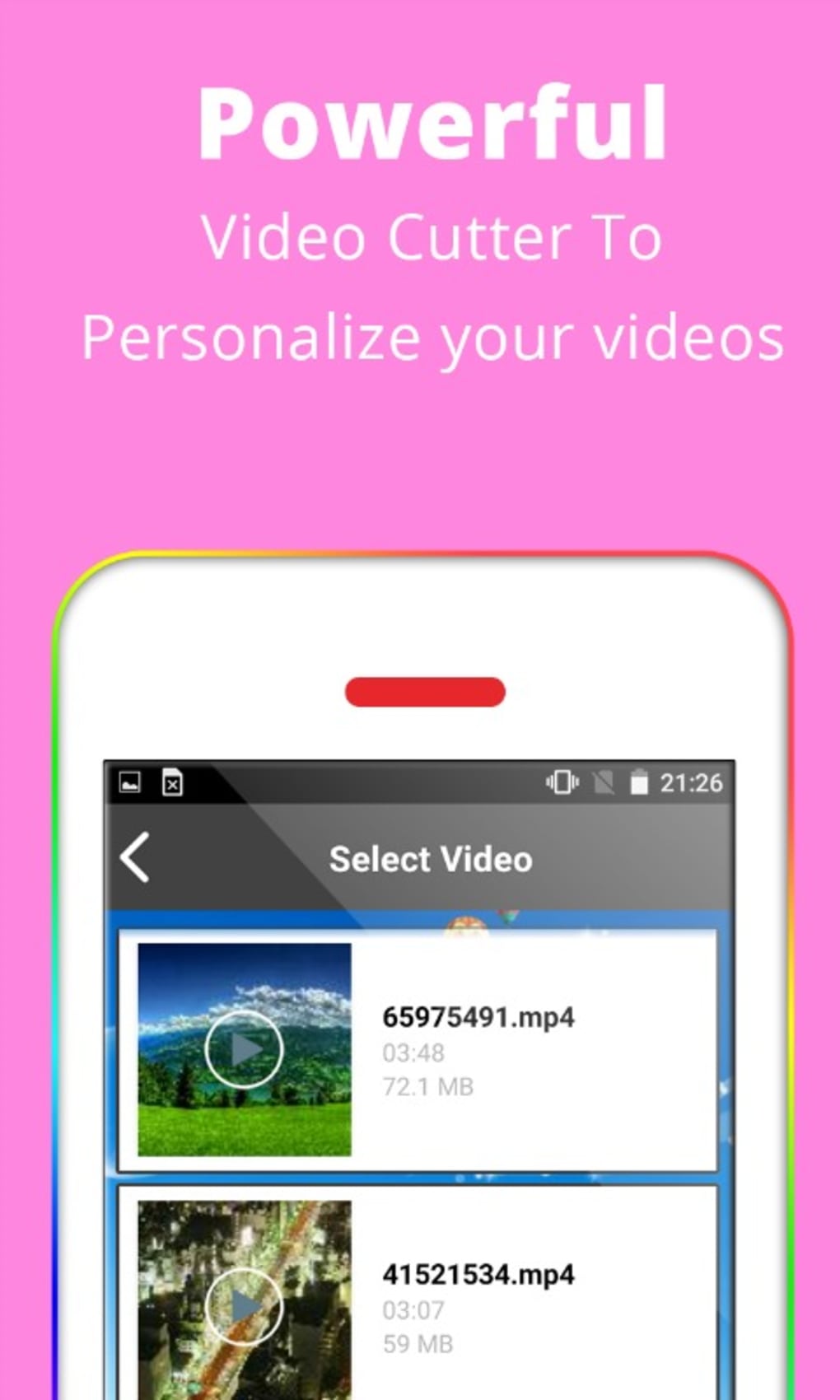
The user interface of VD Video Trimmer & Cutter is designed with simplicity and accessibility in mind. Navigation is intuitive, with a clear flow from selecting a video to previewing, trimming, and saving. The main screen displays a “Start Trimming” button, which initiates the process. Users are then presented with a list of video files organized by name and type, allowing for quick identification and selection.
Once a video is loaded, the app provides a playback interface with a timeline slider for precise trimming. The workflow is linear and efficient: preview → set markers → trim → save → share. This structure minimizes user errors and reduces editing time. The developer did not specify resource usage details, but the app is described as lightweight and fast, suggesting optimized performance on mobile hardware.
Performance observations are based on general software behavior patterns. The app appears to handle standard video formats efficiently, and its low system impact makes it suitable for devices with limited RAM and storage. Stability during trimming and saving has not been independently verified, but the described workflow implies consistent operation under normal usage conditions.
Compatibility & System Requirements
VD Video Trimmer & Cutter is available as an APK for Android devices. The supported operating system is Android, though specific version compatibility was not provided. The application is designed for mobile use and is optimized for smartphones and tablets. Installation size information was not specified by the developer.
Hardware requirements were not detailed. However, the app is described as lightweight and suitable for older smartphones with limited storage and memory. This suggests it can run on devices with modest specifications. The developer did not list exact system requirements, so users should ensure their device supports APK installations and has sufficient storage space for both the app and edited video files.
Pros and Cons
Pros
- Simple and intuitive interface for quick video editing
- Efficient trimming process with real-time preview
- Direct sharing to major social media and cloud platforms
- Lightweight and optimized for low-end devices
- Free to download and use with no in-app purchases
- Supports common video formats and local file access
Cons
- No advanced editing features such as filters, transitions, or audio adjustment
- Limited to Android via APK; no official release on other platforms
- Exact system requirements and compatibility details were not provided
- No cloud sync or backup functionality for edited videos
- APK installation may require enabling unknown sources on Android
FAQ Section
Is VD Video Trimmer & Cutter available for iOS?
The app is currently available as an APK for Android devices. There is no official release for iOS platforms at this time.
Can I use this app without an internet connection?
Yes, the app functions fully offline. All video trimming and saving occurs locally on the device.
Is the app safe to download and install?
VD Video Trimmer & Cutter is available on the Google Play Store, which provides a secure distribution channel. However, users should only install APKs from trusted sources to avoid potential security risks.
Are there any in-app purchases or hidden fees?
No, the app is completely free to download and use. There are no in-app purchases or subscription models reported.
How often does the app receive updates?
Update frequency is not specified. Users should check the Google Play Store or official source for the latest version and improvements.
Final Thoughts
VD Video Trimmer & Cutter delivers a focused and effective solution for mobile video editing. Its core functionality—trimming and cutting videos—is executed with precision and speed, making it ideal for users who need to prepare short-form content for social media. The app’s lightweight design ensures broad accessibility across various Android devices, including older models.
While it lacks advanced features like filters, transitions, or audio editing, it excels in simplicity and ease of use. For casual users and content creators who prioritize speed and convenience over complexity, this tool offers excellent value. The absence of in-app purchases and the free availability further enhance its appeal.
Download VD Video Trimmer Cutter now and start editing your videos on the go with confidence.
Guides & Tutorials for VD Video Trimmer Cutter APK
How to install VD Video Trimmer Cutter APK
- Click the Preview / Download button above.
- Once redirected, accept the terms and click Install.
- Wait for the VD Video Trimmer Cutter APK download to finish on your device.
How to use VD Video Trimmer Cutter APK
This software is primarily used for its core features described above. Open the app after installation to explore its capabilities.
User Reviews for VD Video Trimmer Cutter APK 0
No reviews found





